
What is Virtualization?
Understanding the Concept
Virtualization
It is a technology that allows you to run multiple virtual systems, such as desktops, servers, or applications, on a single physical machine.
Instead of dedicating one computer to one operating system or one piece of software, virtualization enables the creation of multiple “virtual” environments that share the same hardware resources efficiently.
In simple terms, virtualization separates hardware from software, making computing more flexible, scalable, and cost-effective.
How It Works
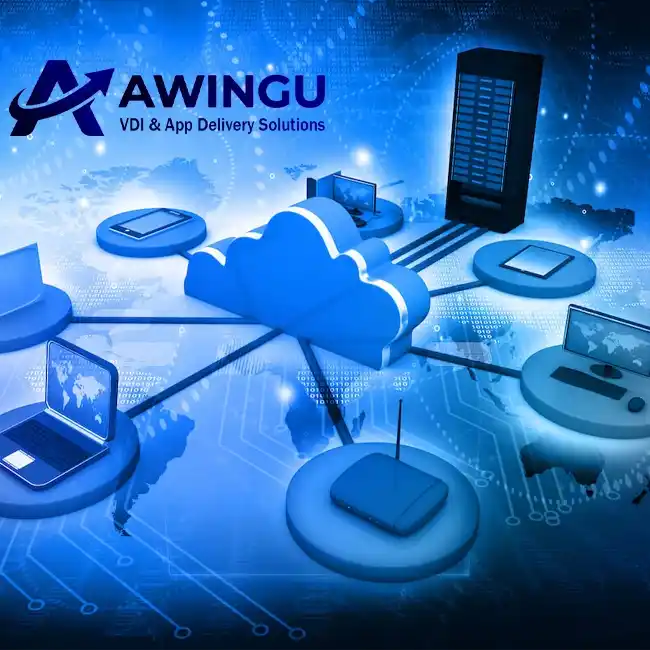
At the heart of virtualization lies a component called a hypervisor, which acts as a layer between the physical hardware and the virtual machines (VMs).
The hypervisor manages and allocates system resources like CPU, memory, and storage to each virtual environment, allowing them to operate independently while sharing the same hardware.
A beating heart called hypervisor
Server, Desktop, App, Storage, Net Virtualization
Types of Virtualization
There are different types of virtualization, for example, Server-V, Desktop-V (VDI), Application-V, Storage-V, and Network-V, which we can use one or all of based on the needs of our managed collection.
Benefits of Virtualization
Cost Reduction
Freegan chia ullamco reprehenderit chicharrones, echo park esse tilde. 90’s hammock do cupidatat, edison bulb mumblecore vape cloud bread.
Improved Security
Freegan chia ullamco reprehenderit chicharrones, echo park esse tilde. 90’s hammock do cupidatat, edison bulb mumblecore vape cloud bread.
Scalability
Freegan chia ullamco reprehenderit chicharrones, echo park esse tilde. 90’s hammock do cupidatat, edison bulb mumblecore vape cloud bread.
Efficient Resource Usage
Freegan chia ullamco reprehenderit chicharrones, echo park esse tilde. 90’s hammock do cupidatat, edison bulb mumblecore vape cloud bread.
Remote Accessibility
Freegan chia ullamco reprehenderit chicharrones, echo park esse tilde. 90’s hammock do cupidatat, edison bulb mumblecore vape cloud bread.
Design and serve as an exemplary real-world
Real-World Applications
Virtualization is good?
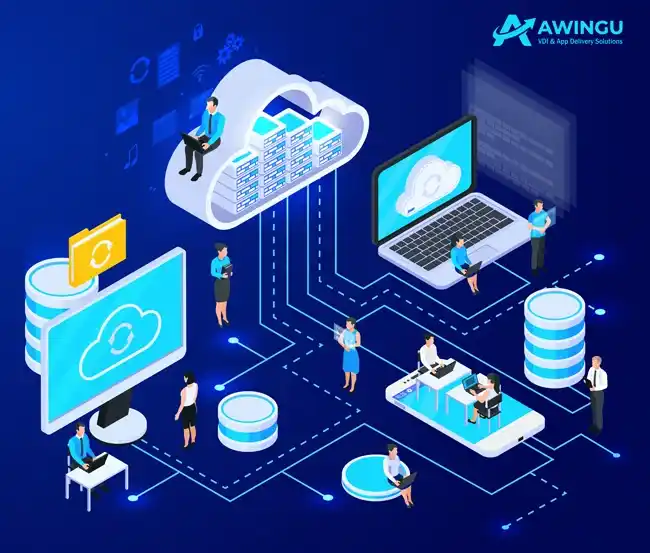
Virtualization transforms the way organizations manage computing resources.
By abstracting hardware and enabling centralized management, it helps businesses achieve higher productivity, better security, and seamless remote access — key foundations of modern digital infrastructure.
990+
PROJECTS
130k
ACTIVE CUSTOMERS
45
YEARS OF EXPERIENCE
220+
PARTNERS

Virtualization is used in almost every modern IT environment, from small businesses running remote
Desktops to large enterprises managing thousands of virtual servers.
Technologies like Parallels RAS, Citrix Virtual Apps and Desktops, VMware Horizon, and Microsoft RDS are leading examples that make virtualization practical and efficient.